
Refining Your Reach: New Geo-Targeting Controls on GainWorkers
GainWorkers is enhancing its campaign creation tools with advanced geo-targeting options, providing employers with unprecedented control over where their tasks are visible. This significant update introduces three distinct targeting methods: Global, Country-Include, and Country-Exclude. These new features empower employers to precisely define their target audience based on geographical location, ensuring that campaigns reach the most relevant workers and optimizing campaign spend. This benefits employers by increasing task completion efficiency and worker relevance, while also helping workers discover tasks that align with their geographical availability.
Understanding the New Geo-Targeting Options
Employers can now select from a range of geo-targeting strategies when setting up new campaigns. The options are designed to offer flexibility and precision in audience selection.
Global Targeting
This is the default setting and makes your campaign visible to all workers on the GainWorkers platform, regardless of their location. It is ideal for tasks that have no geographical restrictions or when aiming for the broadest possible reach.
Country-Include Targeting
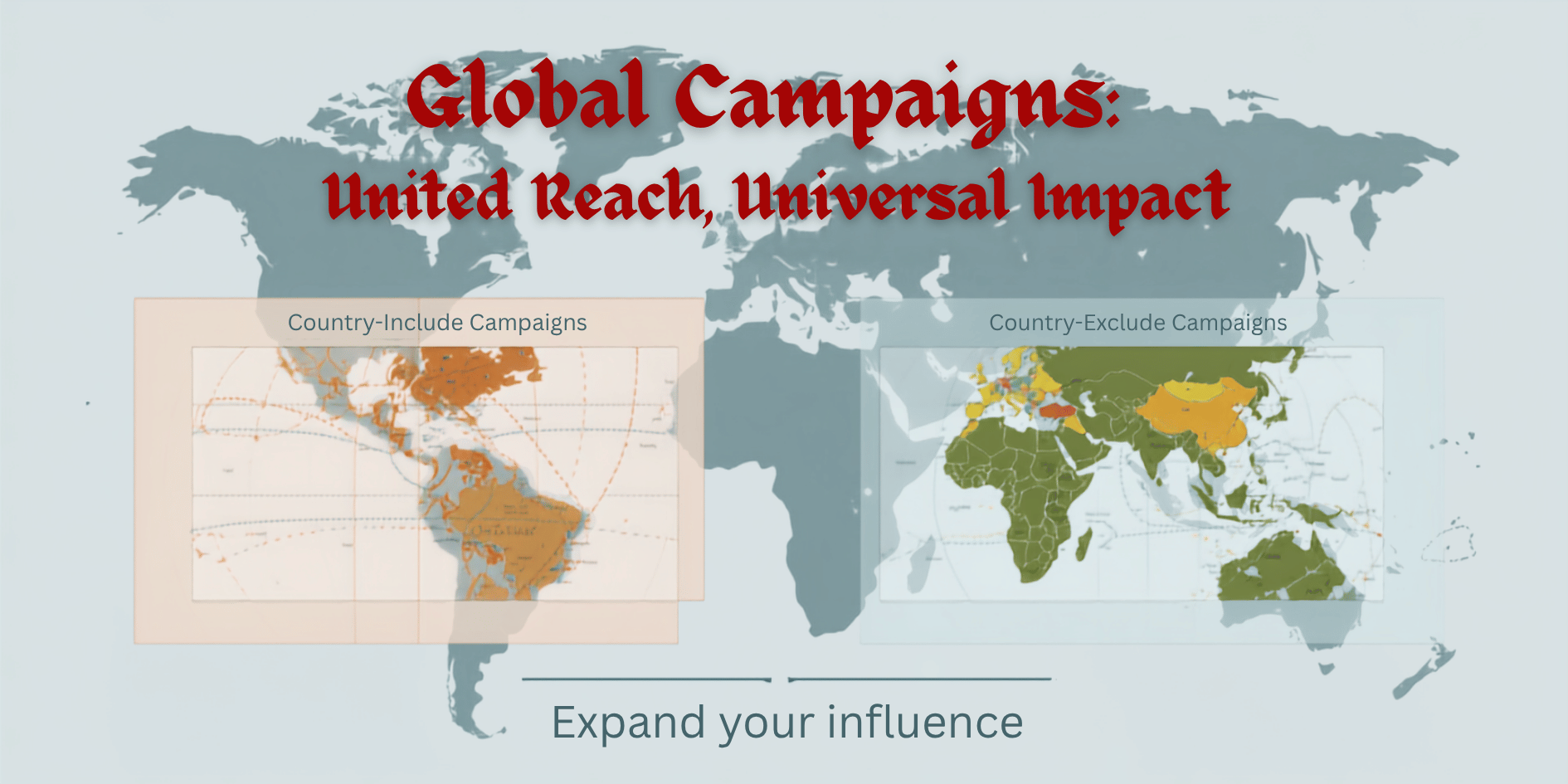
With Country-Include, employers can specify a precise list of countries where the campaign should be displayed. This is useful for tasks that require workers from specific regions, such as market research for particular economies or tasks requiring local language proficiency. When creating a campaign, employers can select one or multiple countries from a comprehensive list to ensure their tasks are seen only by workers located within those selected nations.
Country-Exclude Targeting
Conversely, Country-Exclude allows employers to define countries where the campaign should not be shown. This feature is valuable for campaigns where workers from certain regions are not desired, perhaps due to regulatory reasons, language barriers, or to avoid oversubscription in specific areas. Employers can select countries to exclude, ensuring that the campaign is visible to workers everywhere else on the platform.
Leveraging Geo-Targeting for Optimized Campaigns
The strategic application of these geo-targeting options can significantly improve campaign performance and worker quality on GainWorkers. For instance, a company launching a new product in Germany might use Country-Include to target only German workers for feedback or localization tasks. Conversely, a global survey might use Country-Exclude to omit regions with low internet penetration or unreliable data collection methods. This granular control helps to reduce irrelevant applications, speeds up the review process, and ultimately leads to more successful campaign outcomes. Employers can manage these settings within the campaign creation workflow before launching their tasks.
How to Set Up Geo-Targeting in Your Campaigns
Implementing these advanced geo-targeting options is straightforward within the GainWorkers campaign setup process. After selecting the campaign type (Standard, TimeSlot+, or Blueprint) and defining task parameters, employers will find the geo-targeting section. Here, they can choose between Global, Country-Include, or Country-Exclude. For Country-Include and Country-Exclude, a user-friendly interface allows for easy selection and deselection of countries. This ensures that campaign visibility is precisely aligned with employer needs, fostering a more efficient and targeted marketplace. For more detailed guidance, refer to the GainWorkers Help Center.
Comments
0 commentsNo comments yet. Be the first to share your thoughts.