
What is KYC Verification and Why is it Required for Withdrawals?
KYC, or Know Your Customer, verification is a mandatory process on GainWorkers to confirm your identity and ensure the security of your account and funds. This process is crucial for preventing fraud, money laundering, and ensuring compliance with financial regulations. Completing micro job KYC verification is a necessary step before you can withdraw your earnings, providing a secure and reliable transaction experience for all users.
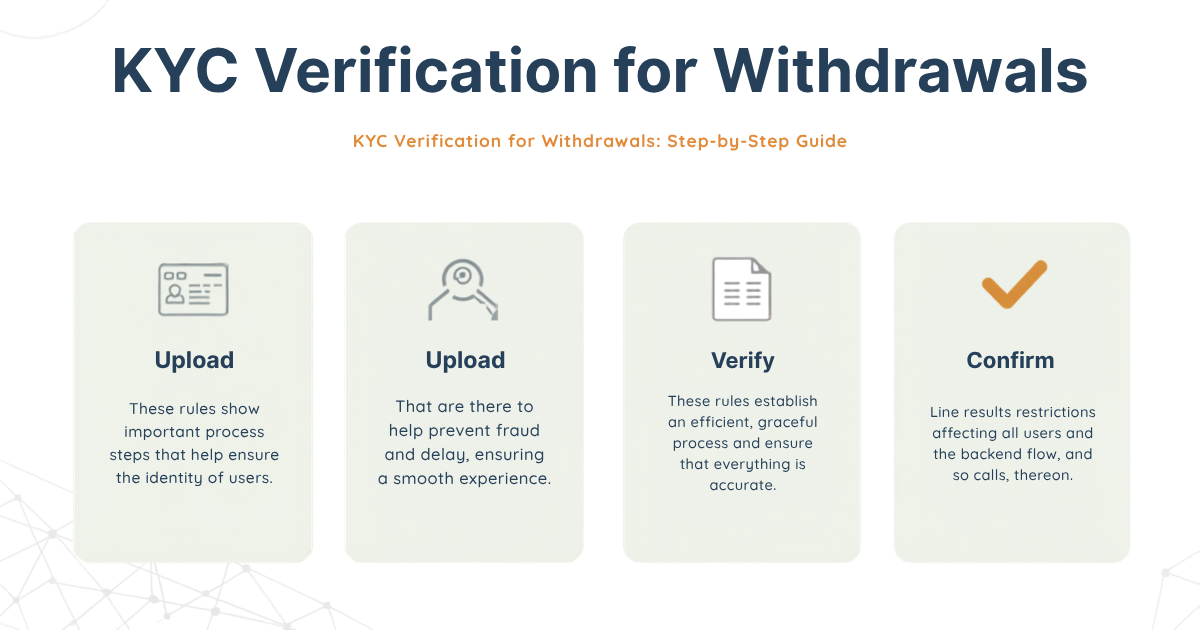
Step-by-Step Guide to Completing KYC Verification
GainWorkers makes the KYC verification process straightforward. Follow these steps to successfully verify your identity:
- Access Your Account Settings: Log in to your GainWorkers account. Navigate to your dashboard and locate the 'Account Settings' or 'Profile' section.
- Find the Verification Tab: Within your account settings, look for a dedicated 'Verification' or 'KYC' tab. This is where you will initiate the process.
- Start the Verification Process: Click on the 'Start Verification' button. You will be guided to a secure portal for submitting your documents.
- Provide Required Information: You will need to enter personal details such as your full name, date of birth, and address. Ensure this information matches the details on your identification documents.
- Upload Identification Documents: The system will prompt you to upload clear, legible copies of valid government-issued identification. Accepted documents typically include:
- Passport
- National ID Card
- Driver's License
- Submit for Review: Once all information is entered and documents are uploaded, submit your application. GainWorkers' verification team will review your submission.
- Await Confirmation: The review process usually takes a short period. You will receive an email notification once your KYC verification is approved or if further information is required.
Tips for a Smooth Verification Process
- Use Valid, Unexpired Documents: Ensure all submitted identification documents are current and have not expired.
- Ensure Clear Image Quality: Upload high-resolution, well-lit photos or scans of your documents. Avoid glare or shadows.
- Match Information Exactly: Double-check that the personal information you enter precisely matches the details on your ID.
- Check Eligibility Rules: Familiarize yourself with any specific regional or document requirements mentioned in the GainWorkers help center.
What Happens After Verification?
Once your KYC verification is approved, you will be able to proceed with withdrawing your earnings from your GainWorkers wallet. You can set up your preferred payout methods in the 'Withdrawals' section of your account. Regularly check your work history to track your approved earnings and pending withdrawals.
Frequently Asked Questions (FAQ)
What if my document is rejected?
If your document is rejected, it is usually due to poor image quality, expired identification, or mismatched personal information. Review the rejection reason provided, correct the issue (e.g., upload a clearer image, use a different valid ID), and resubmit your verification request.
How long does KYC verification take?
The verification process is typically completed within a few business days. However, processing times can vary depending on the volume of applications and the complexity of the review.
Can I withdraw earnings before completing KYC?
No, completing the micro job KYC verification is a prerequisite for initiating withdrawals on GainWorkers. This ensures the security and integrity of the platform's financial operations.
Is my personal information secure?
Yes, GainWorkers employs robust security measures to protect your personal information. All submitted data is handled with strict confidentiality and used solely for the purpose of identity verification and account security.
What if I have issues with the verification process?
If you encounter any difficulties or have questions during the KYC verification process, please contact GainWorkers support through the help center for assistance.
Comments
0 commentsNo comments yet. Be the first to share your thoughts.