
GainWorkers Enhances Proof Submission Flexibility for Micro Tasks
GainWorkers is introducing enhanced flexibility in defining proof requirements for micro-task campaigns, a significant update for both employers and workers. This allows employers to precisely specify the type of evidence required for task completion, moving beyond simple text entries. Workers will benefit from clearer instructions and a wider range of acceptable submission formats, streamlining the overall workflow on the platform. This update matters because it directly impacts the accuracy of task completion, reduces ambiguity in submissions, and improves the efficiency of the review process for all GainWorkers users.
Defining Your Micro Job Proof Requirements
As an employer on GainWorkers, you now have more granular control over how workers prove they've completed a task. When setting up a new campaign, whether it's a Standard task, a TimeSlot+ session, or a Blueprint campaign, you can select from several proof submission types. These options are designed to accommodate a wide variety of tasks:
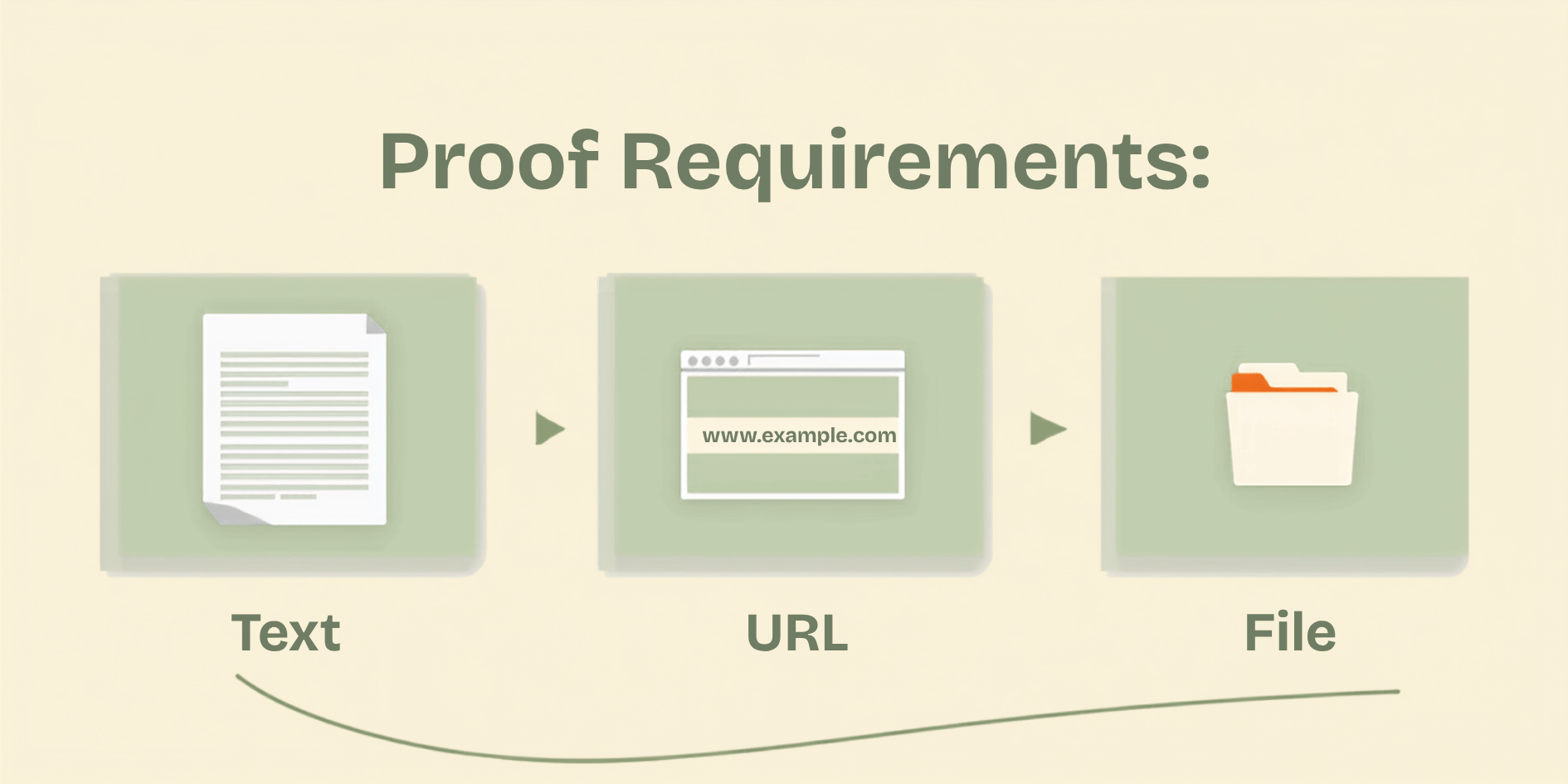
- Text: The most common type, allowing workers to enter short answers, codes, or descriptions.
- URL: Ideal for tasks requiring a link to a webpage, a social media post, a published article, or a saved document.
- File Upload: Essential for tasks where workers need to submit screenshots, documents, images, or any other type of file. This can be configured for specific file types and sizes.
These options are available within the campaign creation wizard, allowing you to tailor the proof requirements to the specific needs of your project. For example, a data entry task might only require text, while a website testing task might require a URL and a screenshot upload.
Worker Experience: Submitting Diverse Proofs
For workers on GainWorkers, this update means clearer expectations and a more straightforward submission process. When you accept a task, the instructions will now explicitly state the required proof format. You can easily navigate to the submission area within your Work History or directly from the task interface. The platform provides intuitive interfaces for each proof type:
- Text Proofs: A simple text box for entry.
- URL Proofs: A dedicated field to paste or type the web address.
- File Uploads: A button to browse your device and select the required file(s). GainWorkers supports various common file formats.
Pay close attention to the instructions. For instance, if a task requires a screenshot, ensure you upload an image file, not a text description of the image. Following these requirements precisely will help ensure your submissions are approved quickly and contribute to a higher success rate.
Best Practices for Setting and Submitting Proofs
To maximize efficiency and minimize rejections, both employers and workers should adopt best practices:
For Employers:
- Be Specific: Clearly describe what the proof should contain. For URL proofs, specify if it's a direct link to content or a profile page. For file uploads, mention the expected file type (e.g., .jpg, .png, .pdf) and size limits if necessary.
- Use Templates Wisely: For structured data, consider using TS+ or Blueprint campaigns which allow for template-based proof fields, ensuring consistency.
- Test Your Requirements: Before launching a large campaign, consider running a small test batch to ensure your proof requirements are understood and feasible.
For Workers:
- Read Instructions Carefully: Always refer to the task instructions for the exact proof format required. Refer to guides like Mastering Micro Job Instructions on GainWorkers for tips on interpreting instructions.
- Double-Check Submissions: Before final submission, review your proof to ensure it meets all criteria. For file uploads, confirm the correct file is attached. For URLs, ensure they are active and lead to the correct destination.
- Understand Review Processes: Be aware that proofs undergo automated checks and employer review. Submitting clear and accurate proof is the best way to ensure timely approval and payment.
By leveraging these flexible proof submission options, GainWorkers continues to empower a more efficient and effective micro-task marketplace, benefiting everyone involved in completing and managing tasks.
Comments
0 commentsNo comments yet. Be the first to share your thoughts.