
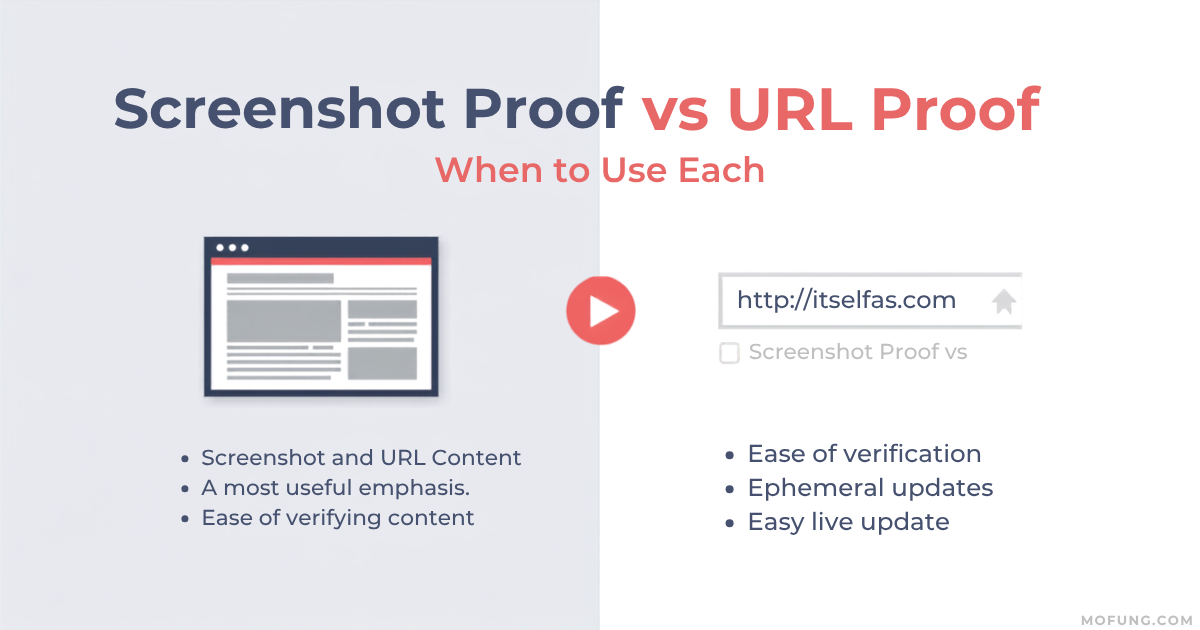
Understanding Proof Submission in Micro Tasks: Screenshot vs. URL
For micro tasks, the method of proof submission significantly impacts the efficiency of both workers and employers. Screenshot proof captures a visual representation of completed work, ideal for tasks where specific on-screen elements or immediate visual confirmation is needed, such as verifying a social media interaction or a website visit. Conversely, URL proof is a direct link to a webpage or online resource, best suited for tasks that require verification of published content, an active link, or an online profile. Selecting the appropriate proof type on platforms like GainWorkers streamlines the review process, reduces ambiguity, and accelerates payment for completed work.
When to Use Screenshot Proof
Screenshot proof is the preferred method when the task requires demonstrating a specific action or state that is visible on a screen. This includes:
- Verifying that a specific button was clicked.
- Confirming that a form was filled out and submitted.
- Showing a specific piece of information displayed on a webpage.
- Documenting a process that unfolds step-by-step on a screen.
- Capturing a user interface element or a specific layout.
Screenshots provide immediate, undeniable visual evidence. However, they can be more prone to manipulation if not carefully reviewed, and they do not inherently provide a live, verifiable link to the content. For workers, it's essential to ensure the screenshot clearly shows the completed action and any relevant context, such as the URL bar if applicable. Employers often specify exact requirements for screenshots, such as including the full browser window or a specific part of the screen.
When to Use URL Proof
URL proof is highly effective for tasks where the completion can be verified by accessing a live, online resource. This method is generally more efficient for both parties as it allows for direct verification without the need to interpret an image. Common use cases include:
- Submitting a link to a published article or blog post.
- Providing a URL to a social media profile or post.
- Linking to a product page or an online listing.
- Sharing a link to a completed online form or survey (if the platform allows direct access to the submission confirmation page).
- Providing a link to a cloud-stored file (e.g., Google Drive, Dropbox), though employers usually specify if file uploads are preferred.
URL proof is generally preferred for its direct verifiability and ease of access. Employers can click the link to immediately confirm the work. However, it's crucial that the provided URL is correct, accessible, and leads directly to the completed task. Broken links or links to private content will lead to rejection. When browsing available micro tasks, workers should pay close attention to the required proof format to avoid issues.
Best Practices for Both Proof Types
Regardless of the proof type, clear communication and adherence to instructions are paramount for successful micro task completion on platforms like GainWorkers. Here are some best practices:
- Read Instructions Carefully: Always thoroughly read and understand the employer's specific requirements for proof submission. This includes any details about what needs to be visible in a screenshot or the exact nature of the content at the provided URL.
- Ensure Clarity and Completeness: For screenshots, ensure all necessary elements are visible and legible. For URLs, ensure the link is active and leads to the correct content.
- Follow Naming Conventions: If file uploads are required (often for screenshots), adhere to any specified file naming conventions.
- Consider Task Complexity: For complex tasks, employers may opt for more robust proof methods like structured template fields within TimeSlot+ or Blueprint campaigns, which can combine elements of both visual and data-based verification.
- Understand Deadlines: Be aware of the completion deadline after accepting a slot to ensure timely submission. For guidance, consult resources like Mastering Micro-Tasks: Understanding the Completion Deadline After Accepting a Slot on GainWorkers.
Key Takeaways
- Screenshot Proof: Best for visual verification of on-screen actions and specific elements.
- URL Proof: Ideal for tasks requiring verification of live, accessible online content.
- Clarity is Key: Both methods require clear, complete, and accurate submissions.
- Follow Instructions: Always adhere to the employer's specific requirements for proof submission.
- Platform Guidance: Platforms like GainWorkers offer various task types and proof mechanisms to suit different needs. Explore available options at browse available micro tasks.
Frequently Asked Questions (FAQ)
What if the URL I need to provide is behind a login?
If the task requires a URL that is behind a login or otherwise inaccessible to the employer, it's essential to clarify with the employer beforehand. Often, employers will specify if public access is required or if alternative proof methods (like screenshots) are acceptable. If instructions are unclear, it's best to ask for clarification before starting the task or submitting proof.
Can I submit a screenshot of a link instead of the actual webpage?
Generally, no. If a URL proof is requested, the employer expects a live, clickable link to the content. Submitting a screenshot of a link would not fulfill the requirement, as it doesn't provide direct access to verify the content. Always provide the direct URL as requested.
How can I ensure my screenshot proof is accepted?
To ensure your screenshot proof is accepted, make sure it clearly captures all the required elements specified in the task instructions. Ensure the entire screen or relevant portion is visible, including any necessary context like URLs in the address bar. Avoid cropping out essential details. For more tips, refer to guides on how to submit proof that gets approved on the first try.
What are the risks of using URL proof?
The primary risks with URL proof include providing a broken link, a link to content that has been removed or changed, or a link to private/inaccessible content. Employers may also reject URLs that do not directly lead to the completed task's outcome. Always double-check your links before submission.
Comments
0 commentsNo comments yet. Be the first to share your thoughts.