
Understanding the Employer Review Window and Rating System on GainWorkers
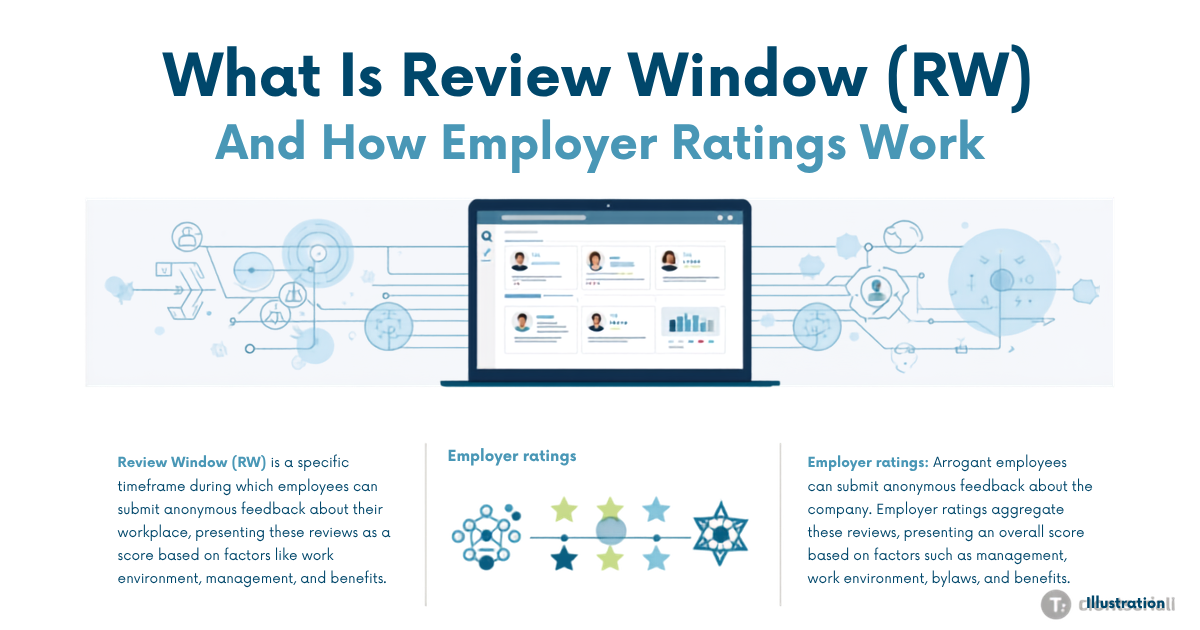
The employer review window on GainWorkers refers to the designated period an employer has to assess and decide on the proof submitted by a worker for a completed micro-task. This crucial mechanism ensures timely feedback and payment for workers. If an employer fails to review the submitted proof within this pre-defined window, the system is configured to potentially auto-approve the work, moving the pending earnings into the worker's USD wallet. This process, combined with the employer rating system, forms the backbone of worker performance metrics and access to more lucrative opportunities.
What is the Employer Review Window?
Every task launched by an employer on GainWorkers includes a configurable employer review window. This is a specific duration, set by the employer, during which they are expected to review the proofs submitted by workers. For workers, understanding this window is vital because it directly impacts when their earnings transition from 'pending' to 'available' in their USD wallet. The length of this window can vary depending on the complexity or urgency of the task, and it is always visible in the task details before a worker accepts a slot.
A key benefit for workers is the auto-approval mechanism. If an employer does not act on a submitted proof within their set review window, the system can automatically approve the work. This ensures that workers are not left indefinitely waiting for payment due to employer oversight or delays. Upon auto-approval or manual approval, the corresponding payment per slot is processed and reflected in the worker's GainWorkers wallet.
The Proof Review Process on GainWorkers
The journey of a submitted proof on GainWorkers involves several steps designed to ensure fairness and accuracy:
- Worker Submission: After completing a task, workers submit their proof, which can be in various formats such as text, a URL, a file upload, or structured template fields for TimeSlot+ and Blueprint jobs.
- Automated Checks: Initial checks may be performed by the platform to verify basic compliance or detect potential issues.
- Employer Review: The proof enters the employer review window. The employer accesses their campaign dashboard to review submissions. They can either approve the work, leading to payment, or reject it, providing specific reason codes for the rejection.
- Admin Review (Optional): For campaigns configured with higher review tiers, submitted proofs might also undergo an optional admin review. This adds an extra layer of oversight, ensuring fair evaluation, especially for tasks with complex requirements or disputes.
Providing clear, accurate, and complete proof is paramount for workers. High-quality proof minimizes the chances of rejection and ensures a smooth approval process, directly contributing to a worker's success rate. Learn more about the importance of proof in our guide: The Power of Proof: How Proof-Based Settlement Safeguards Workers in Micro Jobs.
How Employer Ratings and Worker Metrics Work
On GainWorkers, employer decisions (approvals and rejections) directly influence a worker's key performance metrics: the success rate and trust score. These metrics are crucial for accessing a wider range of tasks, particularly premium listings which often have stricter eligibility requirements.
- Success Rate: This is a percentage calculated from the ratio of your approved tasks to your total submitted tasks. A high success rate signals reliability and quality to employers.
- Trust Score: While tied to your success rate, the trust score can also factor in other elements like consistent activity, diverse task completion, and positive feedback (though direct worker-to-employer feedback isn't always explicit in ratings, consistent approvals build trust).
Employers have options when setting up their campaigns regarding how ratings are handled:
- Employer-Only Review: The employer's decision (approve/reject) is final and directly impacts the worker's metrics.
- Admin Review Plus Employer Rate: The employer makes an initial decision, but an admin review can override or confirm it, providing an additional layer of impartiality.
- Full Admin Rating: In some cases, especially for sensitive or high-value tasks, the final rating and impact on worker metrics are solely determined by GainWorkers administrators.
Maintaining a high success rate and trust score is your ticket to unlocking more challenging, higher-paying tasks. Employers frequently filter for workers with a minimum success rate, making every approved task a step towards greater opportunities on the platform.
Maximizing Your Gains: Tips for Workers
To consistently succeed and maximize your earnings on GainWorkers, consider these strategies:
- Read Instructions Carefully: Before accepting any slot, thoroughly read and understand all task instructions, eligibility rules, and proof requirements. This prevents rejections due to missed details.
- Submit High-Quality Proof: Ensure your proof is clear, accurate, and directly addresses all requirements. Double-check before submission.
- Monitor Your Work History: Regularly review your Work History to track the status of your submissions, understand employer feedback, and learn from any rejections.
- Understand Completion Deadlines: Be aware of the completion deadline after accepting a slot to ensure you submit your work on time. For more, see: Mastering Micro-Tasks: Understanding the Completion Deadline After Accepting a Slot on GainWorkers.
- Focus on Building Your Success Rate: Prioritize tasks where you are confident you can meet all requirements to build a strong success rate and trust score, opening doors to more premium tasks.
Key Takeaways
- The employer review window is the period employers have to review submitted proofs.
- If an employer fails to review within this window, work may auto-approve, ensuring worker payment.
- Worker proofs undergo automated checks, employer review, and potentially admin review based on campaign settings.
- Employer decisions directly impact a worker's success rate and trust score.
- A high success rate and trust score are essential for accessing premium and higher-paying tasks.
- Diligent task completion and high-quality proof submission are key to maximizing earnings and maintaining good standing on GainWorkers.
Frequently Asked Questions (FAQ)
What happens if an employer doesn't review my proof within the review window?
If an employer does not review your submitted proof within their set review window, the system may automatically approve your work. This ensures that you receive payment for your completed task without indefinite delays, and the earnings will be moved from pending to your available USD wallet balance.
How does a rejected task impact my worker profile?
A rejected task negatively impacts your success rate and trust score. Employers often set minimum success rate requirements for their campaigns, so consistent rejections can limit your access to future tasks, especially premium or higher-paying ones. It's important to review the rejection reasons to improve for future submissions.
Can I dispute an employer's rejection?
While the platform does not detail a direct worker-initiated dispute process, campaigns configured with an 'admin review plus employer rate' or 'full admin rating' tier mean that administrators have oversight. In cases of unfair rejections or technical issues, reaching out to GainWorkers support with your Member ID (GW_XXXXXXXXXX) and task details is advisable.
Comments
0 commentsNo comments yet. Be the first to share your thoughts.